One order, one label
Type a single address and download a label with no account.
Business Shipping Label Generator
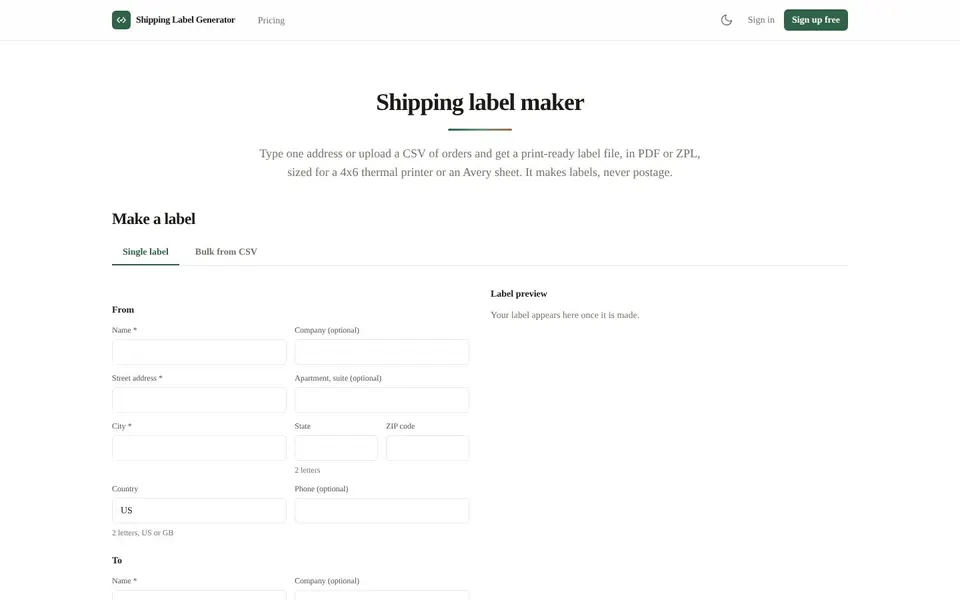
To print a shipping label, you need a label file at the right size, and Shipping Label Generator at shippinglabelgenerator.com makes that file. Type one address or upload a CSV of orders and download a print-ready PDF or ZPL. It makes the label only and does not buy postage.

To create a shipping label here, you fill in a sender and a recipient and the tool draws the label as a finished file. The file is a PDF, or a ZPL file on the paid plans, with an optional Code 128 or QR barcode built from a reference or tracking number you supply.
This is a label maker, not a postage service. Nothing is bought, checked against a carrier, or sent anywhere on your behalf. You print the label, then buy the postage from whichever carrier or postage service you use.
You print a shipping label from a file when you already have the order and the postage and only need the artwork.
One order, one label
Type a single address and download a label with no account.
A batch of orders
Upload a CSV with one row per label and get one file back.
A thermal printer
Pick the 4x6 size and the ZPL format for a Zebra or Rollo printer, on the paid plans.
An office printer
Choose Letter with two 4x6 labels, or an Avery sheet, and print on a normal printer.
The single label form is the fastest way to print a shipping label and it needs no account.
Open Shipping Label GeneratorOpen shippinglabelgenerator.com and stay on the Single label tab.
Fill in the From block and the To block. Name, street address and city are required, and a US address also needs a two letter state.
Pick a Label size, such as 4x6 thermal or an Avery sheet.
Choose the Format. PDF works without an account, and ZPL is on the paid plans.
Add a Reference and choose a Barcode if you want one: None, Code 128 or QR.
Click Make label and check the Label preview.
Download the file and print it at the size you picked.
The shipping label size menu offers four layouts, and the free plan has rate limits.
The tool does not validate an address against a carrier or a postal database. It checks required fields, a country code and a US state, which catches a typo and proves nothing about delivery.
Text the label font cannot draw, such as Chinese, Japanese or Arabic, is refused with a message naming the field. Accented letters used in Western European languages print as typed.
A shipping label template for many orders is a CSV with one row per label. The header row uses these 10 names: name, company, address1, address2, city, state, postal, country, phone and reference.
A sample CSV can be downloaded from the Bulk from CSV tab. A row with a problem is reported with its row number and the field that failed, so a bad line is never dropped in silence.
Avery shipping labels template layouts are offered for the Avery 5163 and the Avery 5164 sheets. The 5163 sheet is 4x2 with 10 labels, and the 5164 sheet is 4x3.33 with 6 labels.
Pick the sheet that matches the labels you bought, then print the PDF at actual size so the labels line up.
Avery 5164 labels are 4x3.33 inches, six to a US Letter sheet, and the Shipping Label Generator size picker lists that layout directly. Choose it and the PDF places each label in its slot.
The same layouts are offered on the single label form, the CSV upload and the API.
Print shipping label plans are metered by the label: single labels are free with no account, Pro is $9 a month and Business is $24 a month, as of November 2026.
$0
Single labels with no account, up to 30 a minute per IP address, 10 bulk CSV rows a day per IP address, PDF only, bulk files kept 24 hours.
$9 a month
2,000 labels a month, batches of up to 500, PDF and ZPL, 5 saved sender addresses, REST API access and bulk files kept 7 days.
$24 a month
10,000 labels a month, batches of up to 2,000, PDF and ZPL, REST API access and bulk files kept 7 days.
There is no trial because the free plan is the trial. A label counts once it is rendered, and a failed batch is never charged. Prices are from the live Shipping Label Generator pricing page.
Short answers first, then the detail. More guides: how to shorten a link, make background transparent, compress JPEG, or browse all free online tools.
To make a shipping label, type the sender and recipient into the Make a label form and click Make label.
The tool draws a PDF preview, and you download it once it looks right. It does not buy postage.
To print a shipping label, download the PDF at the size you chose and print it on any printer that takes that page size.
The ZPL file is written for a 4x6 label at 203 dpi, which a ZPL thermal printer such as a Zebra or a Rollo reads.
To create a shipping label for each order at once, use the Bulk from CSV tab and upload one row per label.
A batch is rendered in the background and the file stays printable from its own link until its retention window ends. That is 24 hours for an anonymous batch and 7 days for a batch filed on an account.
To print shipping labels at home, pick Letter with two 4x6 labels or an Avery sheet and print the PDF on your office printer.
A 4x6 thermal printer works too. You buy the postage separately from your own carrier.
Make your first label free with no account. It makes the label file and does not buy postage.
Related guides
These guides cover jobs that often come next. See every tool on the free online tools page.
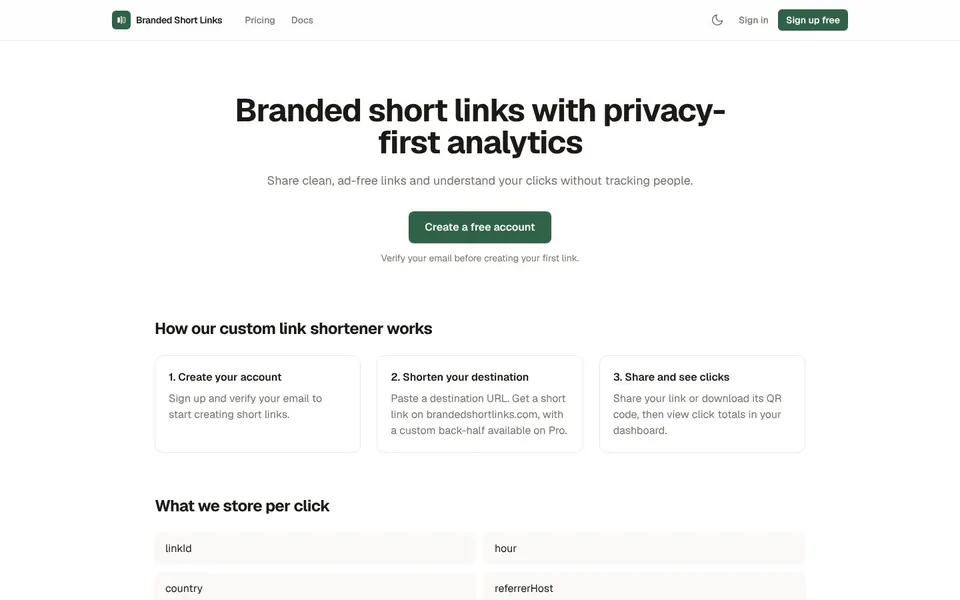
Clean, ad-free short links with privacy-first click analytics and QR codes. No tracking cookies.
How to Shorten a Link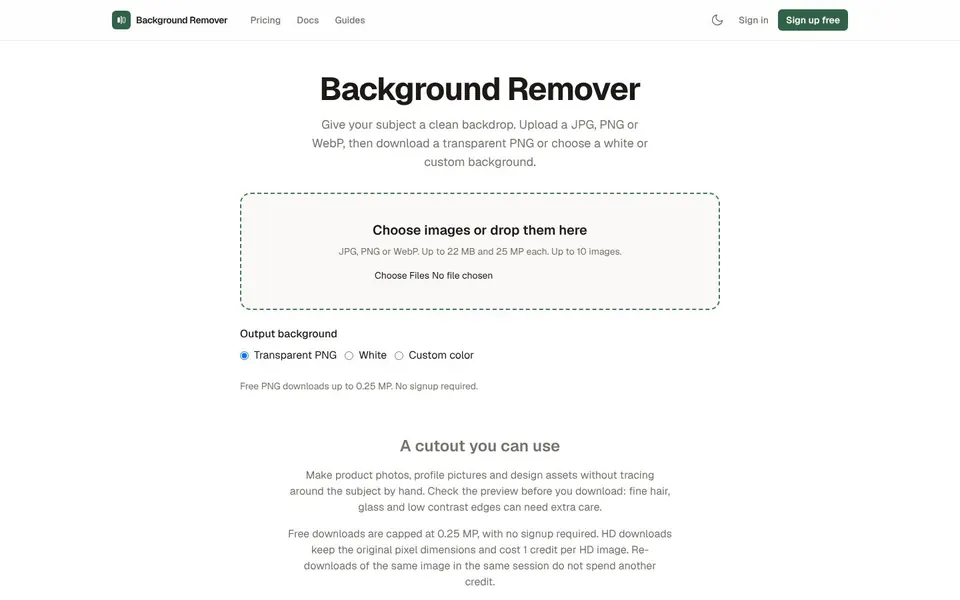
Upload a photo, get a transparent PNG in seconds. No signup, no watermark, files deleted automatically.
Make Background Transparent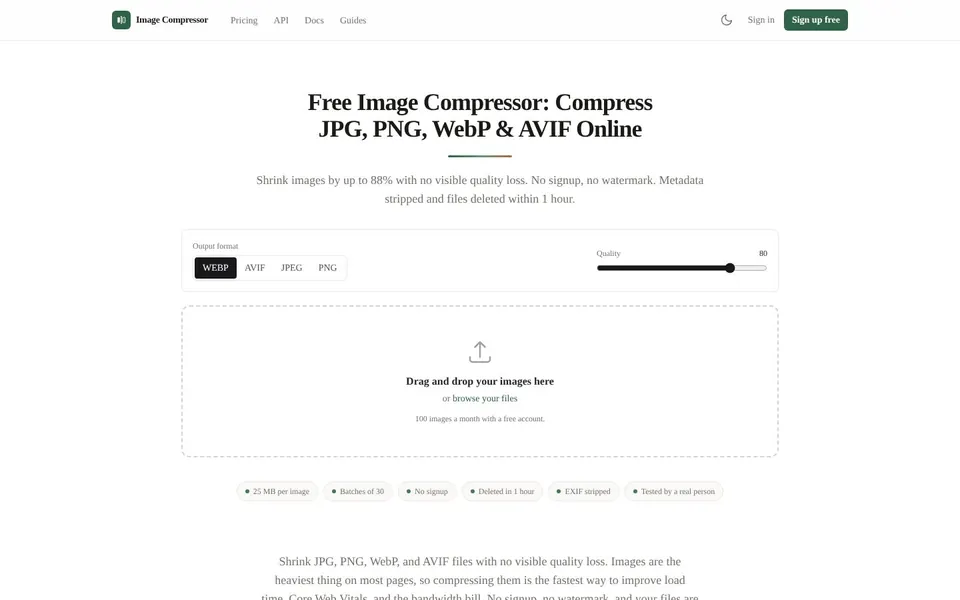
Shrink JPG, PNG, WebP and AVIF files with no visible quality loss. No signup, no watermark, files deleted after an hour.
Compress JPEG