Product photos
A product cutout can go on a white page or a colored banner.
Images Background Remover
To make a background transparent, upload your image to Background Remover and download it as a transparent PNG. It takes a JPG, PNG or WebP, and you can also choose a white or custom color background. Free PNG downloads work with no signup.

To make a background transparent means to remove the backdrop so only the subject remains, with empty pixels around it. A transparent PNG can then sit on any color, page or design without a box around it.
Background Remover at backgroundremover.tools does this for you, so you do not trace around the subject by hand. Check the preview before you download, because fine hair, glass and low contrast edges can need extra care.
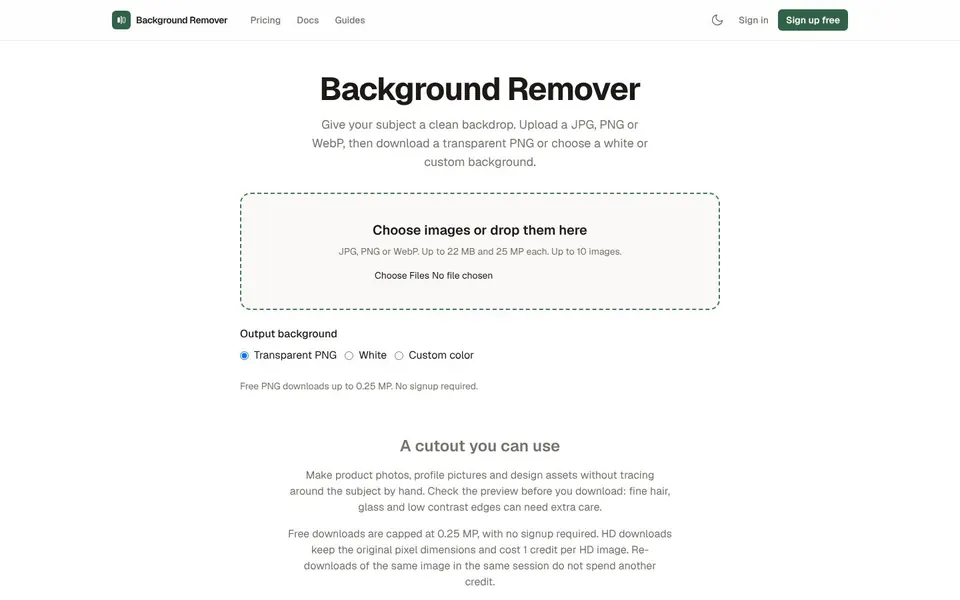
People remove background from image transparent files when the subject has to sit on something else, such as a page, a banner or a design. Here are four common cases.
Product photos
A product cutout can go on a white page or a colored banner.
Profile pictures
A portrait with the backdrop removed can sit on any color.
Design assets
Icons, stickers and graphics need clean edges to place into a layout.
Logos on other colors
A logo with a solid box behind it looks wrong on a dark page.
You can make a picture background transparent at backgroundremover.tools in a few clicks.
Open Background RemoverOpen backgroundremover.tools and click Choose images, or drop your files on the page.
Use JPG, PNG or WebP files, up to 22 MB and 25 MP each.
Under Output background, pick Transparent PNG, White or Custom color.
Check the preview of the cutout.
Download the result. Free downloads are PNG files up to 0.25 MP.
For a download at the original pixel size, use an HD download, which costs 1 credit.
Bulk background remover limits on the live page allow up to 10 images at a time, and these are the limits and file types the page states.
Free downloads are capped at 0.25 MP. HD downloads keep the original pixel dimensions and cost 1 credit per HD image. Re-downloading the same image in the same session does not spend another credit.
Uploaded files are deleted automatically and EXIF metadata is stripped from every image. Read the privacy policy on the site for the exact handling. The tool is aimed at product photos, profile pictures and design assets, and the preview is your check before any credit is spent.
To remove the white background from an image, upload it and let Background Remover cut out the subject, then download the transparent PNG. The page does not describe a special white-only mode, so judge the preview, especially if the subject is light or has low contrast edges.
If you need the opposite, choose White under Output background to put the subject on a plain white backdrop.
You can remove the background from a logo by uploading it as a JPG, PNG or WebP and choosing Transparent PNG. Check small details and thin lines in the preview before you download.
A transparent logo can then sit on a dark page or a colored banner without a box behind it. If the logo needs a solid backdrop instead, pick White or Custom color.
To remove the background from an image on an iPhone, you use the same Background Remover web page in a browser. The live page does not say anything about phones, so try it on your device.
The tool accepts JPG, PNG and WebP, so a photo saved in another format would need converting first.
Pricing to make a background transparent starts free, with HD credit packs from $1.89 and a $5.99 monthly plan, as of November 2026. Free previews are unlimited, and free downloads are up to 0.25 MP.
$0
Unlimited previews, downloads up to 0.25 MP, 1 HD credit on signup, no account needed.
$1.89
1 credit per HD image, valid for 1 year.
$8.99
1 credit per HD image, valid for 1 year.
$45.99
1 credit per HD image, valid for 1 year.
$5.99 / month
100 HD credits each billing month, which expire at the end of the billing period.
Packs are valid for 1 year, and you can manage payments and cancellation from your dashboard. A removal API is still in development. Prices are from the live Background Remover pricing page.
Short answers first, then the detail. More guides: increase image resolution, compress JPEG, print shipping label, or browse all free online tools.
Upload the picture to Background Remover and download the cutout. The free download is a PNG up to 0.25 MP.
You can also choose a white or custom color background instead of transparent.
Choose Transparent PNG under Output background, then download the result. The tool accepts JPG, PNG and WebP.
Look at the preview first, since fine hair and glass can need extra care.
Upload the image, pick Transparent PNG and download it. This keeps only the subject on empty pixels.
For the original pixel size, use an HD download at 1 credit.
Drop the photo on backgroundremover.tools, check the preview and download. Photos can be up to 22 MB and 25 MP each.
Up to 10 images can go in at once.
Pick Choose images, select your file or files, and download the result. No signup is needed for free PNG downloads.
Free downloads are small (0.25 MP), and HD downloads cost credits.
Open Background Remover and upload a JPG, PNG or WebP to get a transparent PNG. Free downloads need no signup.
Related guides
These guides cover jobs that often come next. See every tool on the free online tools page.
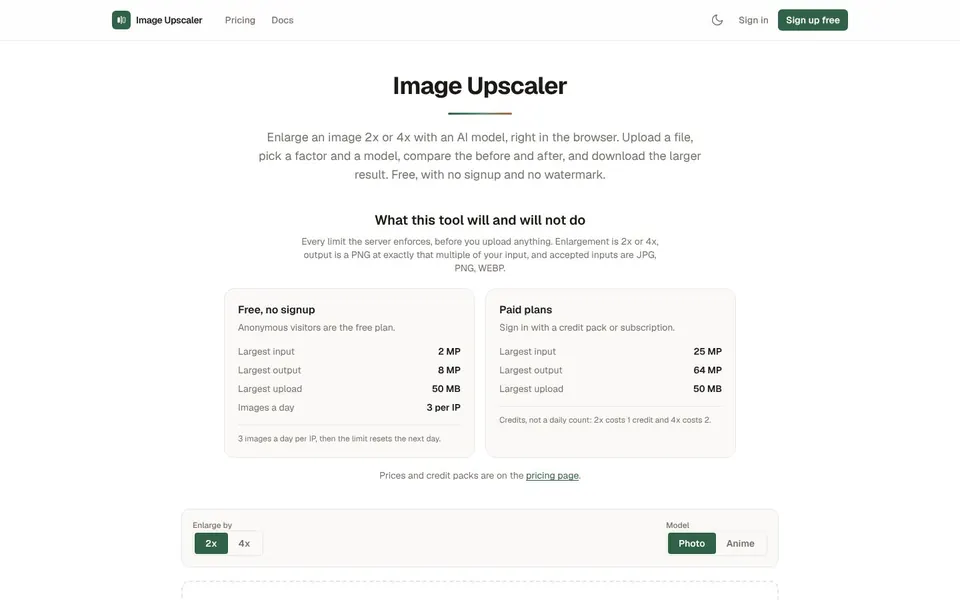
Enlarge JPG, PNG and WebP images 2x or 4x with an AI model. Free daily upscales, credit packs when you need more.
Increase Image Resolution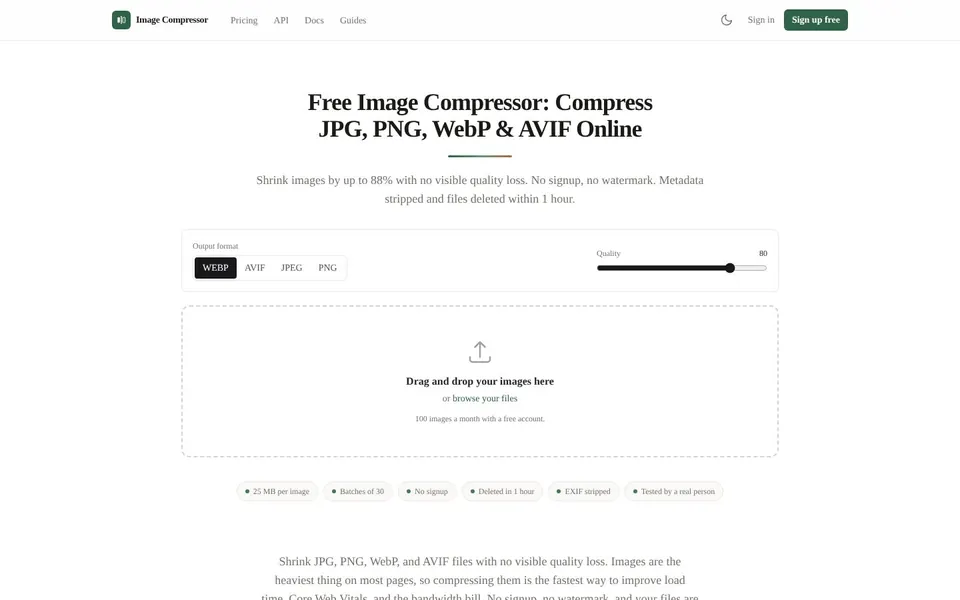
Shrink JPG, PNG, WebP and AVIF files with no visible quality loss. No signup, no watermark, files deleted after an hour.
Compress JPEG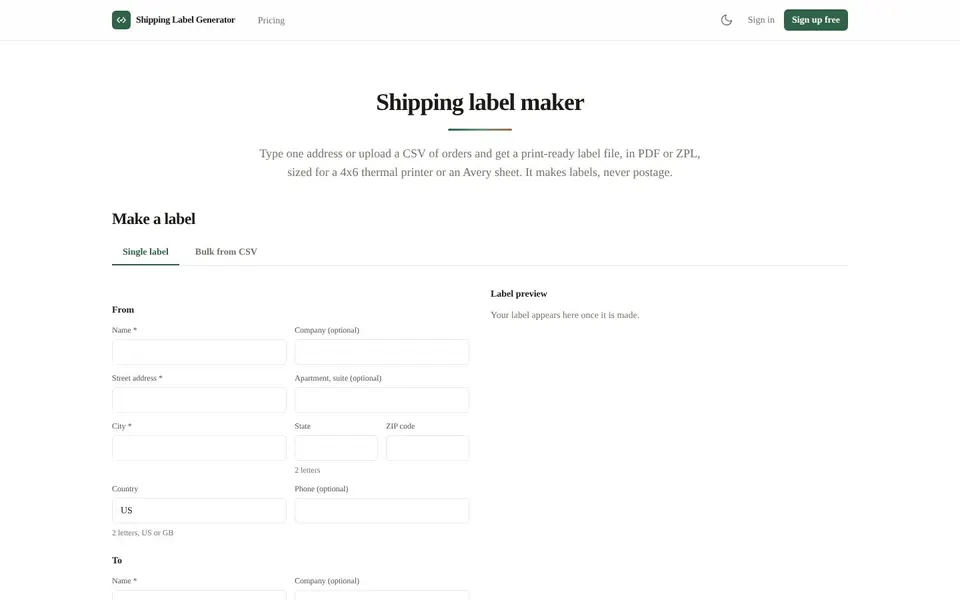
Make 4x6 thermal or Avery sheet labels from one address or a CSV of orders, then download the PDF.
Print Shipping Label