Sharing in messages and posts
A short address is easier to paste and read than a long tracked URL.
Business Branded Short Links
How to shorten a link: paste the long destination URL into a link shortener and share the short address it gives back. Branded Short Links at brandedshortlinks.com does this on its own short domain, with click totals in your dashboard and no ads on any plan. You need an account with a verified email first.

Branded Short Links is a short link generator that turns a long destination URL into a clean short link on brandedshortlinks.com. The short link redirects to your destination, and your dashboard shows how many clicks it got.
It is built around privacy. Per click it stores only a link ID, an hour bucket, a country code when available, the referrer host, a device class, a browser family and a bot flag. It never stores IP addresses, full user agents or cookies.
Bots are excluded from the human click count, and there are no ads on any plan. Referrers are stored as hosts only, never as full URLs.
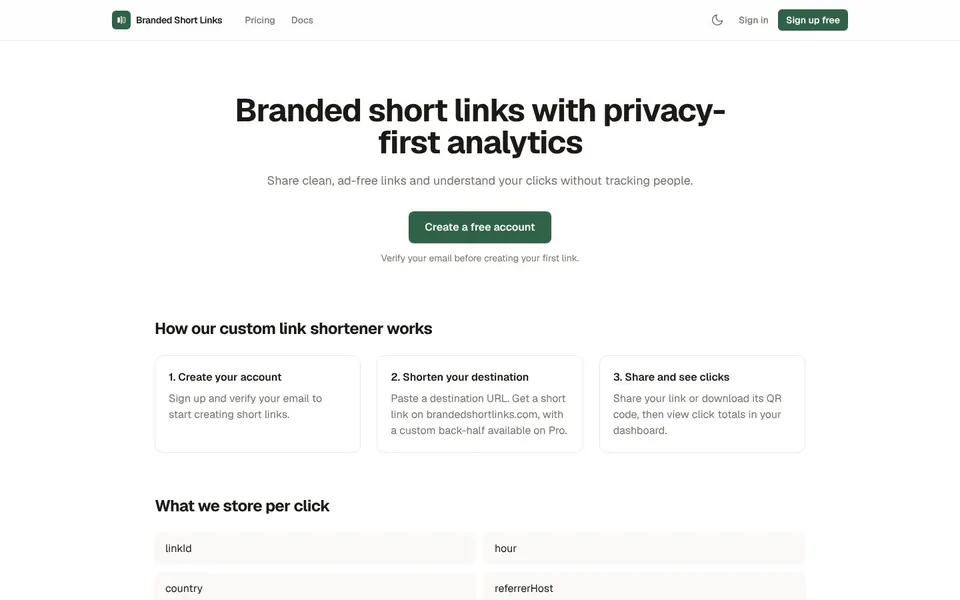
Create a short link when a long address is hard to read, hard to type or likely to break in a message.
Sharing in messages and posts
A short address is easier to paste and read than a long tracked URL.
Printing or showing a link
Download the QR code for a link and put it on a poster, flyer or slide.
Seeing who clicked
Click totals appear in your dashboard, with country, referrer host and device class, without tracking people.
Checking before you click
Append + to any short link to preview its destination before following it. This helps when a link arrives from someone you do not know.
To shorten a link with Branded Short Links, create an account, verify your email, paste the long URL and copy the short link it makes. The account and the verified email come first, before your first link.
Open Branded Short LinksOpen brandedshortlinks.com and click Create a free account.
Verify your email address.
Paste your long destination URL to create the link.
On Pro, set a custom back-half if you want a readable ending.
Copy the short link on brandedshortlinks.com and share it, or download its QR code.
Open your dashboard to view click totals for the link.
If a link ever looks wrong, append + to it to preview the destination, or use Report abuse in the footer.
Short link limits on the Free plan are enough to start, and Pro lifts them; the figures below are the ones the pricing page lists.
Every destination is checked on create and on every edit against destination rules and a local blocklist. These checks cannot guarantee a destination is safe, so use the + preview if a link looks suspicious, and report abuse if needed.
Free links expire 30 days after creation. Links made on Pro never expire while they exist, and they keep working after cancellation, although editing their destinations needs Pro again.
For a custom short link, Branded Short Links offers a custom back-half on Pro, which is the readable ending after the domain. Free links get a generated ending.
As a custom URL shortener it has one limit worth knowing, and it is better said up front: links use brandedshortlinks.com, and your own domain is not available in this version.
This is not yet a custom domain URL shortener. The site states plainly that links use brandedshortlinks.com and not a domain you own.
What you get instead is a short domain, no ads on any plan and clicks that are never metered. If a custom domain is a must for you, this version will not fit that need yet.
As one of the bitly alternatives and a TinyURL alternative, Branded Short Links shows no ads on any plan and keeps click analytics without storing visitor IP addresses or cookies. Clicks are never metered, and the REST API is included with Pro.
Pro also includes CSV export, destination edits, and QR PNG and SVG downloads.
The Docs page on the site describes the REST API for people who want to create links from their own tools.
Short link pricing is a Free plan at $0 and Pro at $9.00 a month, as of November 2026, as listed on brandedshortlinks.com.
$0
10 new links per day, 50 active links, links that expire after 30 days and 30 days of click analytics.
$9.00 / month
1,000 new links per month, no cap on active links, links that do not expire, 365 days of click analytics, custom back-halves and REST API access.
Pro is billed monthly with no trial, and you can cancel in one click in the Stripe billing portal. Prices are from the live Branded Short Links pricing page.
Short answers first, then the detail. More guides: Amazon affiliate link, website monitoring tool, print shipping label, or browse all free online tools.
To shorten a link, paste the long destination URL into a link shortener and copy the short address it returns.
In Branded Short Links you need an account with a verified email first. Then you paste the URL, copy the short link and share it.
To create a short link, sign in, paste your destination URL and copy the new link on brandedshortlinks.com.
Free allows 10 new links per day and 50 active links. On Pro you can also pick a custom back-half, and links do not expire.
A branded link is a short link on a domain with a recognizable name, instead of a random shortener address.
Branded Short Links uses its own brandedshortlinks.com domain. Using your own domain is not available in this version.
Create a free account, verify your email and make your first short link in the dashboard. There are no ads on any plan.
Related guides
These guides cover jobs that often come next. See every tool on the free online tools page.
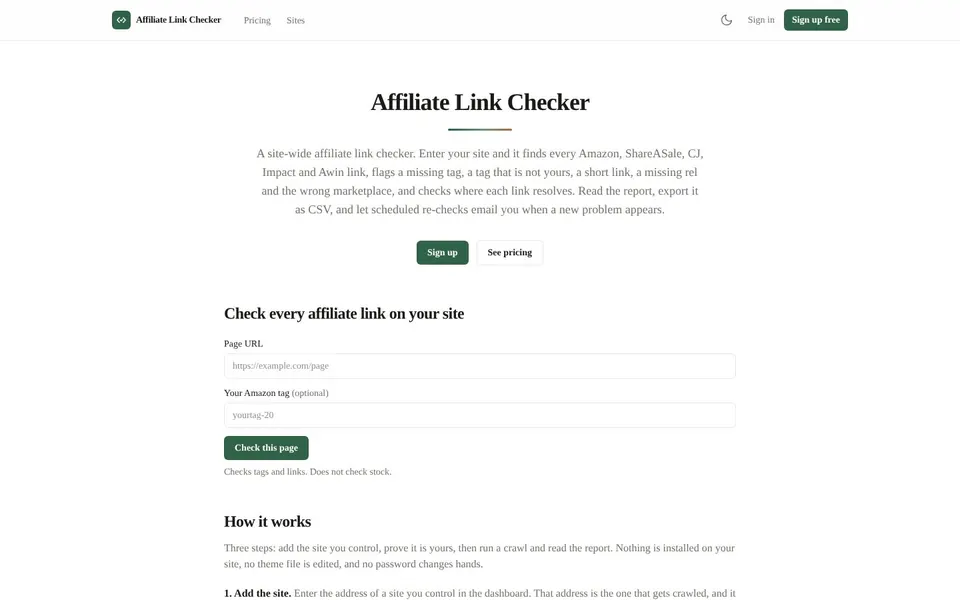
Find every Amazon, ShareASale, CJ, Impact and Awin link on your site and flag the broken or untagged ones.
Amazon Affiliate Link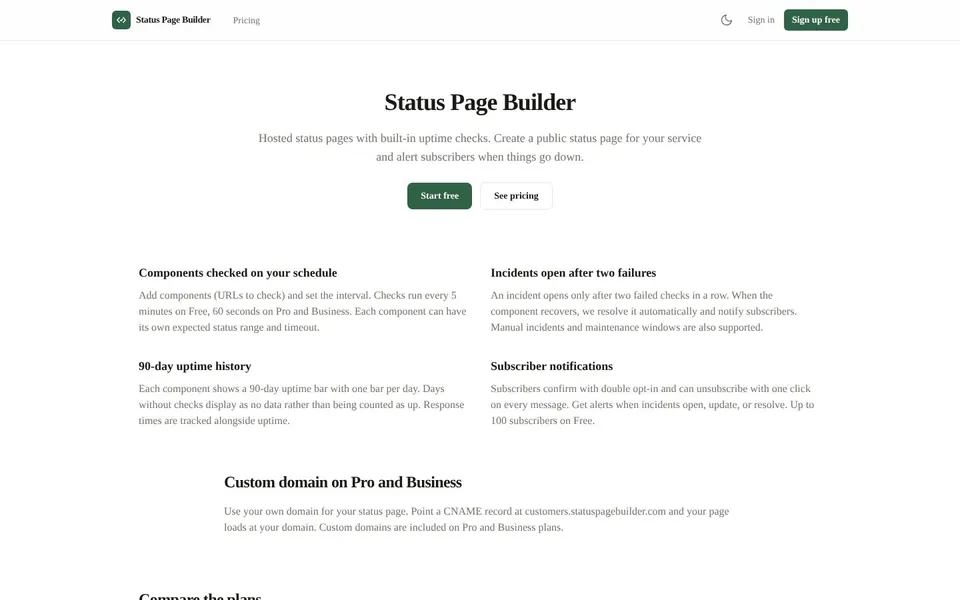
Hosted status pages with built-in uptime checks that alert your subscribers when something goes down.
Website Monitoring Tool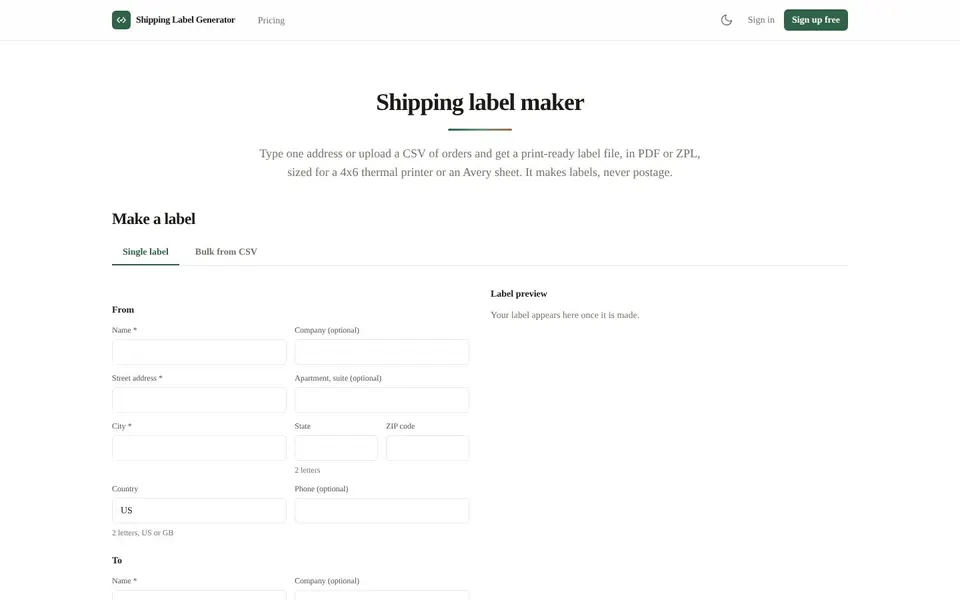
Make 4x6 thermal or Avery sheet labels from one address or a CSV of orders, then download the PDF.
Print Shipping Label