Uploads with a size limit
A form or site rejects your photo because the file is too large.
Images Image Compressor
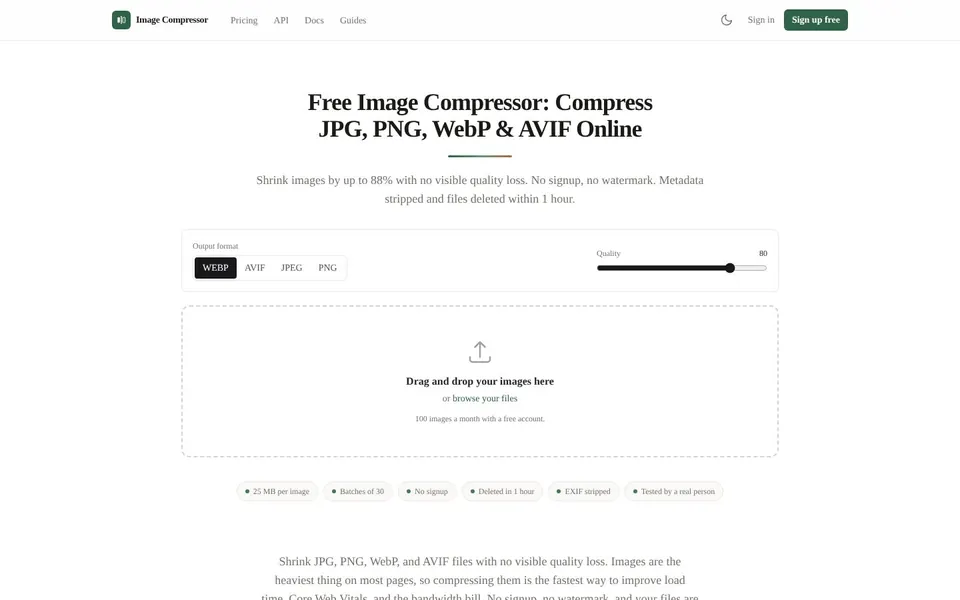
To compress JPEG files, upload them to Image Compressor, set a quality and download the smaller result. It works at imagecompressor.tools with no signup and no watermark. EXIF metadata is stripped and uploads are deleted within 1 hour.

To compress a JPEG means to make the file smaller by discarding detail your eye is unlikely to miss. JPEG is a lossy format, so a lower quality gives a smaller file and a little less detail.
Image Compressor shows both the original size and the new size for every file. You can move the quality slider and compare the result yourself. The default quality is 80, which is what the live page says most of the web treats as visually lossless for photographs. EXIF data, such as GPS coordinates and the camera model, is removed by default, so a photo you compress and publish does not carry them.
You reduce image file size when a photo is too large for where it needs to go. Here are four common cases.
Uploads with a size limit
A form or site rejects your photo because the file is too large.
Photos for a website
Images are usually the heaviest part of a page, so smaller files help load time.
Sending by email
Several full size photos can be too much for one message.
Saving storage space
A folder of large photos shrinks when each file is compressed.
You can reduce the size of a JPG at imagecompressor.tools in a few steps, with no account.
Open Image CompressorOpen imagecompressor.tools and choose Choose images to compress, or drag and drop your files.
Under Output format, pick jpeg to keep a JPEG, or choose webp, avif or png.
Set Quality. The default is 80.
Compare the before and after sizes shown for each file.
Adjust the quality slider and format if you want a smaller file. This does not cost another image.
Download the compressed files.
Image Compressor for website use has clear limits on file types and sizes, and these are the ones its live pages state.
PNG compression here is lossless, and JPEG, WebP and AVIF are lossy. The 88 % figure is the largest saving recorded, not a typical result. On the live demo, a 497 KB JPG became a 214 KB WEBP at quality 80, which is 56.9 % smaller.
Images are stored privately and reached only through a signed link that expires after 15 minutes. The live page says nothing about a limit on JPEG dimensions, so the file size per image is the limit to watch.
To compress a PNG with Image Compressor, upload it and choose png as the output format. PNG compression here is lossless, so the output has exactly the same pixels as the input.
Keep PNG for images that need transparency or crisp edges, such as logos, screenshots and line art. A photograph stored as a PNG is usually in the wrong format, so consider JPEG or WebP for it.
To compress an image to 100kb, lower the quality slider and watch the size shown for each file. The home page has a Quality slider rather than a size target field, so you adjust until the number is where you want it.
The tool site has separate pages for specific sizes such as 100 KB, and for email. The same approach works for email: lower the quality until the file is small enough to send.
Pricing to compress JPEG files at volume starts at $0, then Pro at $12, Agency at $39 and Business at $99 a month, as of November 2026. Every plan is a flat monthly price with no per-image fees.
$0
100 images a month, 25 MB per image, 30 images per batch, no account needed.
$12 / month
10,000 images a month, 50 MB per image, 100 images per batch, REST API access.
$39 / month
50,000 images a month, 100 MB per image, 250 images per batch, REST API access, marketplace presets.
$99 / month
Unlimited images, 200 MB per image, 1,000 images per batch, priority queue and support.
You can cancel any time from the dashboard. Re-compressing an image you already uploaded, at another quality or format, never costs another image. Prices are from the live Image Compressor pricing page.
Short answers first, then the detail. More guides: compress video free online, increase image resolution, make background transparent, or browse all free online tools.
Upload it to Image Compressor, pick an output format and a quality, and download the smaller file. The tool accepts JPG, PNG, WebP and AVIF.
No signup is needed.
Lower the quality slider and compare the before and after sizes. The default of 80 is a good starting point for photographs.
You can also switch the output to webp or avif, which can give smaller files.
Add a batch: the free tool takes up to 30 images at once, each up to 25 MB. Pro raises this to batches of 100.
Free accounts get 100 images a month.
Upload the PNG and keep png as the output, which compresses losslessly with the same pixels. If it is a photograph, switching to JPEG or WebP will usually shrink it more.
Keep PNG only when you need transparency or crisp edges.
PNG compression here is lossless, so it loses no quality. JPEG, WebP and AVIF are lossy, but the default quality of 80 is generally treated as visually lossless for photographs.
Compare the sizes and judge the result yourself.
Open Image Compressor, drop in your JPG files and download smaller ones. It is free with no signup and no watermark.
Related guides
These guides cover jobs that often come next. See every tool on the free online tools page.
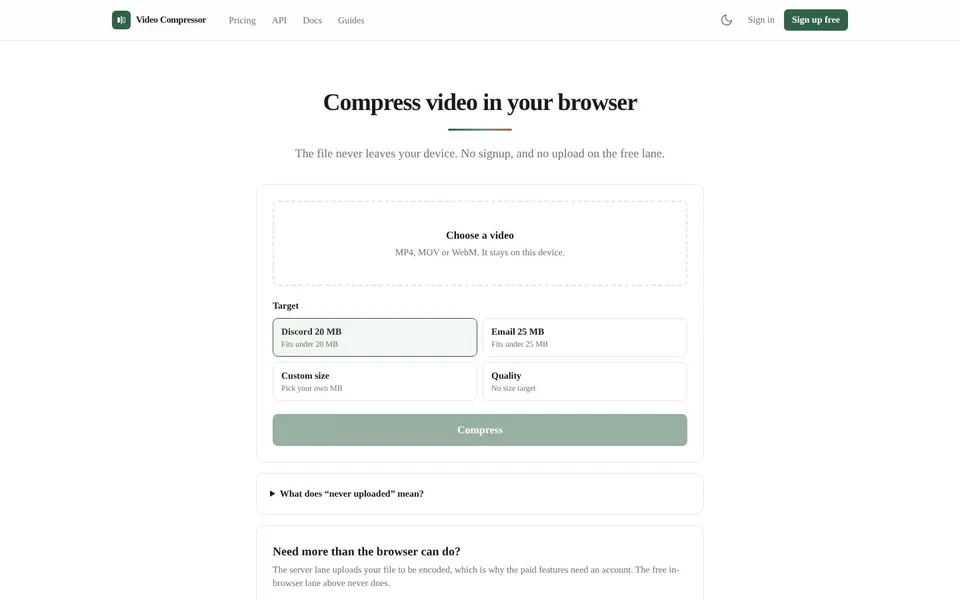
Compress MP4, WebM and MOV right in your browser, so on the free lane the file never leaves your device.
Compress Video Free Online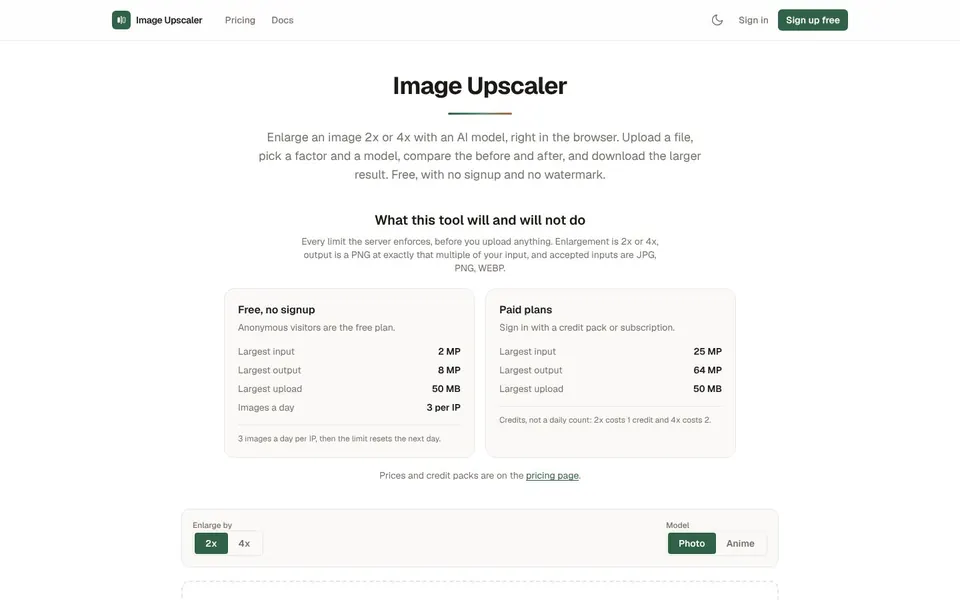
Enlarge JPG, PNG and WebP images 2x or 4x with an AI model. Free daily upscales, credit packs when you need more.
Increase Image Resolution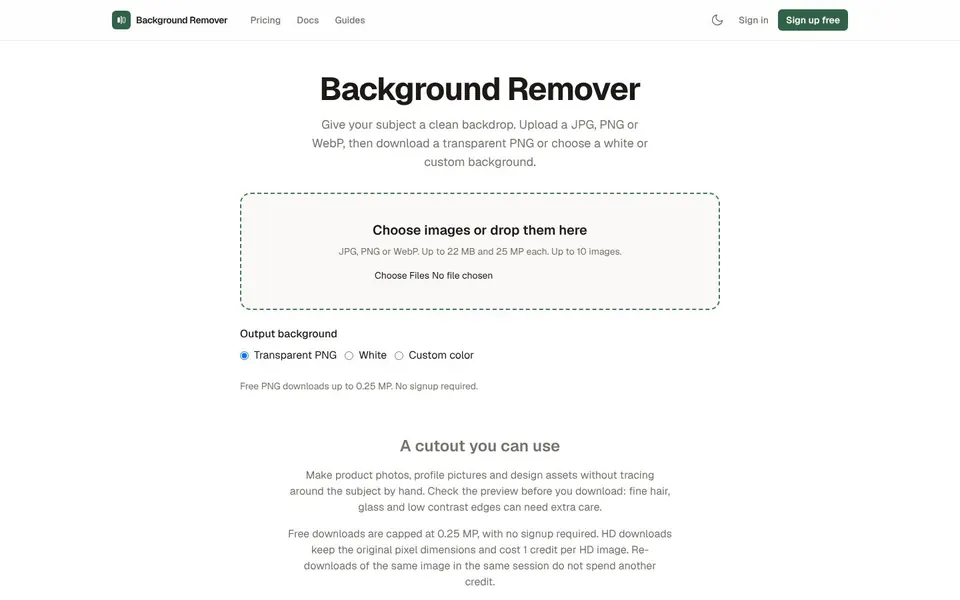
Upload a photo, get a transparent PNG in seconds. No signup, no watermark, files deleted automatically.
Make Background Transparent