Before a page goes live
Check the title, description and social tags on a new page so nothing is missing at launch.
SEO Meta Tag Auditor
Meta tags for SEO are the small pieces of HTML in a page head that tell search engines and social sites what the page is about. Meta Tag Auditor at metatagauditor.com reads those tags on any URL and scores them. The single-URL check is free and needs no signup or email.

Meta tags are lines of HTML in the head of a page that describe it to search engines, browsers and social sites. The ones that matter most for SEO are the title, the description, the canonical, the robots tag and the social tags.
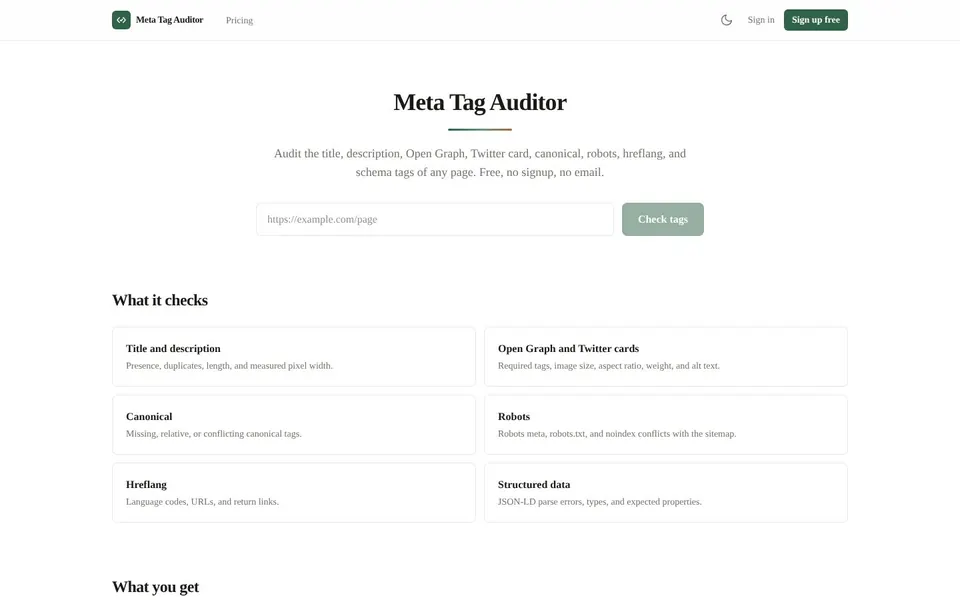
Meta Tag Auditor checks the title, description, Open Graph, Twitter card, canonical, robots, hreflang and schema tags of a page. It lists what is in the HTML and what is missing or in conflict.
You should check meta tags for SEO whenever a page changes in a way that could touch its head.
Before a page goes live
Check the title, description and social tags on a new page so nothing is missing at launch.
After a template change
A theme or template edit can duplicate or drop tags across many pages at once.
When a shared link looks wrong
If a link unfurls with the wrong image or text, check the Open Graph and Twitter card tags.
During an SEO audit
A quick look at canonical, robots and hreflang tags can show conflicts that are easy to miss by eye.
To add meta tags to a website, you put them in the head of each page, and Meta Tag Auditor then shows whether they came out right.
Open Meta Tag AuditorAdd or edit the tags in the head of your page, through your CMS or template.
Open metatagauditor.com.
Paste the page address into the Page URL field.
Press Check tags.
Read the score and the findings, each of which shows the exact tag in your HTML.
Fix the tags that triggered findings, then check the page again.
Share the report link if someone else needs to see it.
Meta tags limits in the free check are a daily cap and raw HTML only: Meta Tag Auditor reads the page as the server sends it, and the facts below are what the live page states.
A tag that is added only by script will not show up in the default check. That is deliberate, because most social scrapers and link unfurlers read the raw HTML in the same way.
The pixel widths are measured at the desktop result font. They are a guide, not Google limits, because Google publishes no pixel limits.
A canonical tag tells search engines which URL is the preferred version of a page. Meta Tag Auditor flags canonical tags that are missing, relative or conflicting.
It also looks at robots meta, robots.txt and noindex conflicts with the sitemap, so a canonical problem is easier to spot next to them.
A Twitter card validator checks the tags that control how a shared link looks, and Open Graph meta tags do the same job on other social sites. Meta Tag Auditor checks the required tags, the image size, aspect ratio, weight and alt text, then shows a preview of the page as a shared link.
It is an audit of the tags in your HTML, not a connection to any social network.
Meta description length and title tag length decide whether your text fits in a search result or gets cut off. Meta Tag Auditor checks presence, duplicates, length and measured pixel width, and shows how the title and description sit in a result.
Treat the pixel figures as a guide, since they are measured at a desktop font and not set by Google.
The meta tags audit has a free single-URL check and two paid plans, as of November 2026.
$0
Full single-URL check with no signup, 10 checks per day per IP address and shareable reports kept for 7 days.
$19 / month
Single-URL checks with no daily limit, site crawls up to 2,000 pages, monitoring of 3 sites with change alerts and rendered-DOM comparison.
$49 / month
Everything in Pro with crawls up to 10,000 pages, monitoring of 10 sites, white-label PDF export and a REST API with 50,000 checks per month.
Both paid plans start with a 7-day trial that needs no card, and you can cancel any time. Prices are from the live Meta Tag Auditor pricing page.
Short answers first, then the detail. More guides: internal linking in SEO, favicon size, monitor website changes, or browse all free online tools.
Meta tags are snippets of HTML in a page head that describe the page to search engines, browsers and social sites.
Visitors do not see them on the page, but they affect how it appears in results and shared links.
A canonical tag is a link element in the head that names the preferred URL for a page.
It helps search engines handle duplicate or near duplicate pages. Meta Tag Auditor reports canonicals that are missing, relative or conflicting.
A meta description is a short summary of a page that search engines may show under the title in a result.
Search engines can rewrite it, so treat it as a suggestion. The tool checks that it exists and is not duplicated.
A meta description should be long enough to summarize the page and short enough not to be cut off in a result.
Google publishes no pixel limit, so Meta Tag Auditor measures width at the desktop result font, 920 px for descriptions, as a guide only.
To add meta tags to a website, place them inside the head element of each page, using your CMS fields or template.
Then paste the page address into Meta Tag Auditor to confirm the tags are in the HTML the server returns.
Paste a URL and see every tag, a score and the exact evidence for each finding.
Related guides
These guides cover jobs that often come next. See every tool on the free online tools page.
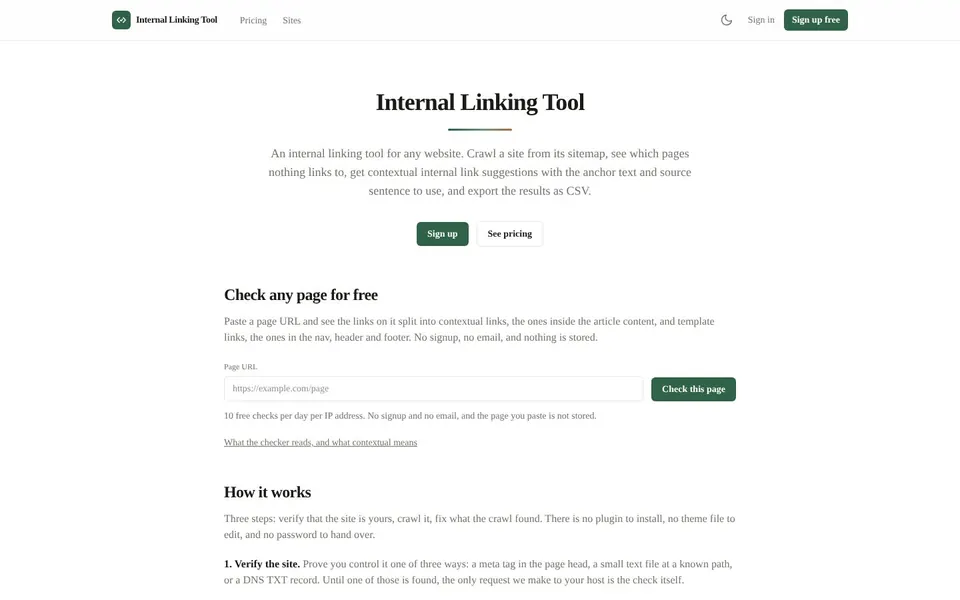
Crawl a site from its sitemap, find the pages nothing links to, and get contextual internal link suggestions.
Internal Linking in SEO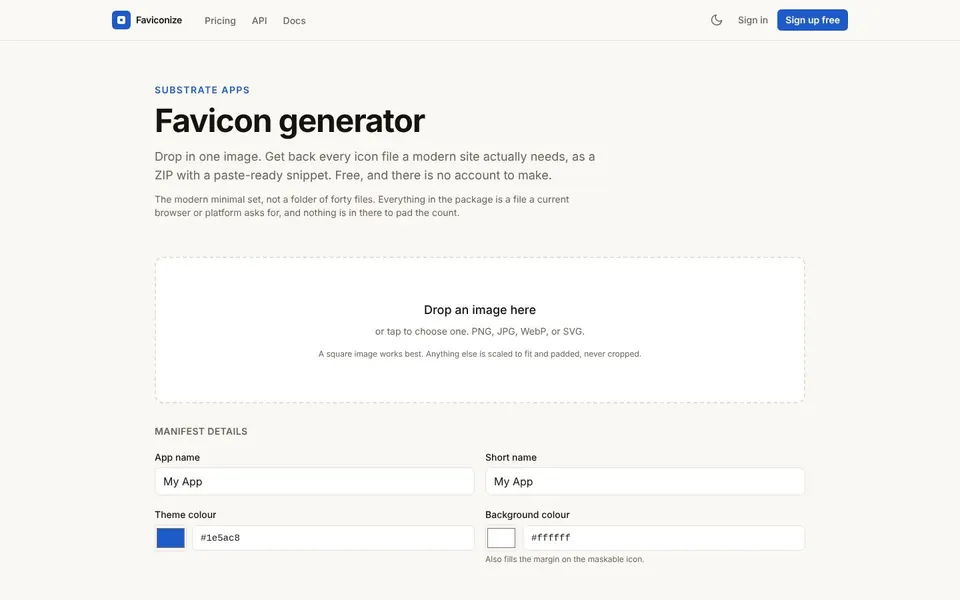
Drop in one image and get every icon file a modern site needs, as a ZIP with a paste-ready head snippet.
Favicon Size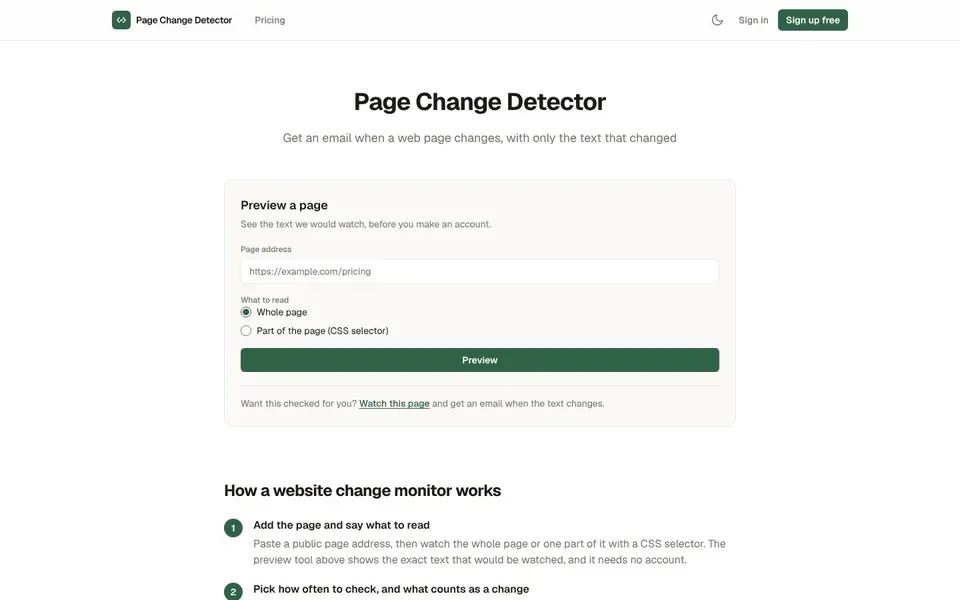
Watch a web page, or one part of it, and get an email with a plain text diff when it changes.
Monitor Website Changes