Browser tab icon
The tab strip draws the 16 pixel PNG at true size next to your page title.
Images Faviconize
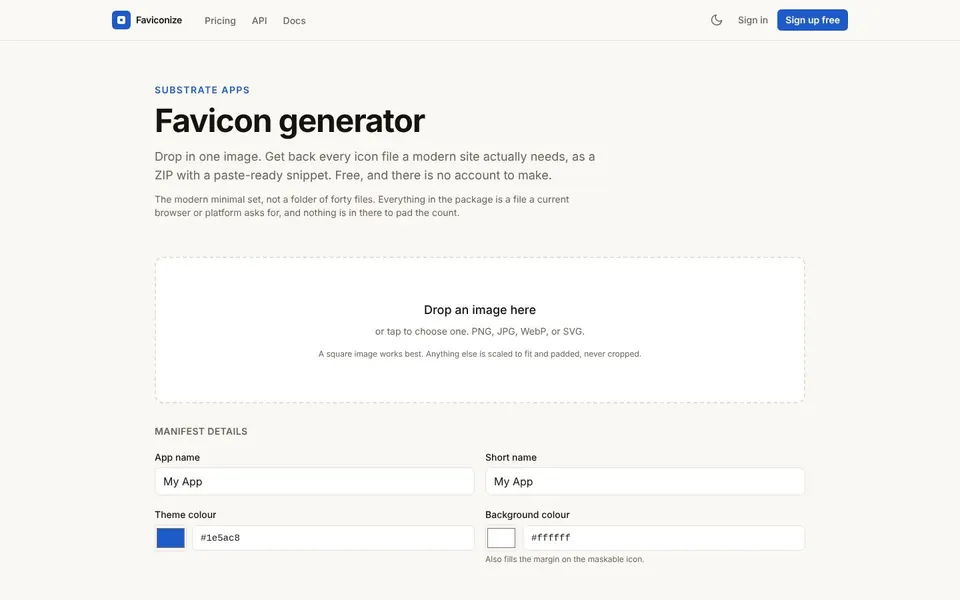
Favicon size is not one number, because browser tabs, phone home screens and installed web apps each ask for a different square. Faviconize at faviconize.com takes one image and returns the whole set, so you do not have to resize anything by hand. It is free and needs no account.
Favicon size means the pixel dimensions of the small square icon that represents your site in a browser tab, a bookmark bar and on a phone home screen. A favicon is that icon itself, the tiny picture next to your page title.
No single size covers every place. A tab uses a very small icon, a phone home screen uses a larger one, and an installed web app uses larger ones again. The Faviconize tool makes each of them from one source image, including a 16 pixel and 32 pixel PNG, a 180 pixel apple-touch icon, and 192 and 512 pixel app icons.
Favicon examples are easy to spot once you know where to look, and each place uses a different file.
Browser tab icon
The tab strip draws the 16 pixel PNG at true size next to your page title.
Bookmark bar icon
The same 16 pixel PNG sits beside the label when someone bookmarks your page.
Phone home screen icon
When a visitor adds your site to a home screen, the 180 pixel apple-touch-icon.png is the file used.
Installed web app icon
A web manifest points to icon-192.png and a maskable icon, icon-maskable-512.png, for app-style installs.
To make a favicon from a PNG, you drop one image into Faviconize and download the ZIP it builds.
Open FaviconizeOpen faviconize.com and find the box labeled Drop an image here.
Drop your logo onto it, or tap to choose a file. PNG, JPG, WebP and SVG are accepted.
Optionally fill in the Manifest details: App name, Short name, Theme colour and Background colour.
Download the ZIP when it is ready.
Unzip it and upload the icon files to your site.
Paste the included snippet into your page head.
The Faviconize favicon size limits are set by your plan, and the source file types are the same on every plan.
A square image works best. If yours is not square, Faviconize scales it to fit and pads it, and it never crops it.
Your image is processed on Quolapps servers and is never made public. Downloads use a single-purpose link that expires, uploads and generated files are deleted on a short timer, and nothing is trained on your files.
Favicon html is the set of link tags in your page head that point browsers at your icon files. Faviconize gives you a paste-ready snippet that matches the files in the ZIP, so the tags and the filenames agree.
Paste the snippet into the head of your template once, upload the files, and you are done.
A favicon download from Faviconize is one ZIP that holds the complete icon package. It contains a layered .ico, PNG favicons, an apple-touch icon, a maskable icon and a web manifest.
The modern minimal set is the goal, so every file is one that a current browser or platform asks for. Nothing is added to pad the count.
A favicon for WordPress is usually set as the Site Icon in the theme Customizer, which asks for a square image. Faviconize accepts a square PNG, JPG, WebP or SVG and gives you the full icon set for sites that are not WordPress as well.
Faviconize does not install anything on your site. You upload the files yourself, or use the image in your CMS settings.
The favicon free plan is the browser tool with no account, and the paid plans are flat monthly prices as of November 2026.
$0
The browser tool with no account, 100 icon packages a month, 25 MB per file and the complete icon package every time.
$12 / month
10,000 icon packages a month, 50 MB per file, REST API access and up to 50 files per batch.
$39 / month
50,000 icon packages a month, 100 MB per file, REST API access and up to 200 files per batch.
$99 / month
No monthly cap, 200 MB per file, REST API access, priority support and up to 1000 files per batch.
Pricing is flat with no per-icon fees, regenerating a package does not cost another one, and you can cancel any time from the dashboard. Prices are from the live Faviconize pricing page.
Short answers first, then the detail. More guides: compress JPEG, meta tags for SEO, make background transparent, or browse all free online tools.
A favicon is the small icon that represents your website in browser tabs, bookmarks and on phone home screens.
It helps visitors find your tab among many others.
To make a favicon, start from one square logo image and let a generator build the sizes.
With Faviconize you drop the image in and download a ZIP that holds the icons and a snippet.
To add a favicon to your website, upload the icon files and paste the link tags into your page head.
Faviconize writes those tags for you in the snippet that comes with the ZIP.
There is no single size a favicon should be, because different places use different squares.
Common sizes are 16 and 32 pixels for tabs, 180 pixels for the apple-touch icon, and 192 and 512 pixels for app icons. Faviconize makes them all.
To change a favicon, replace the icon files on your site with new ones and keep the same filenames, or update the link tags.
Generate a fresh package with Faviconize, upload it over the old files, and reload the page. Browsers sometimes cache old icons, so you may need to clear the cache.
Skip the manual resizing and let Faviconize build the whole icon set from one image.
Related guides
These guides cover jobs that often come next. See every tool on the free online tools page.
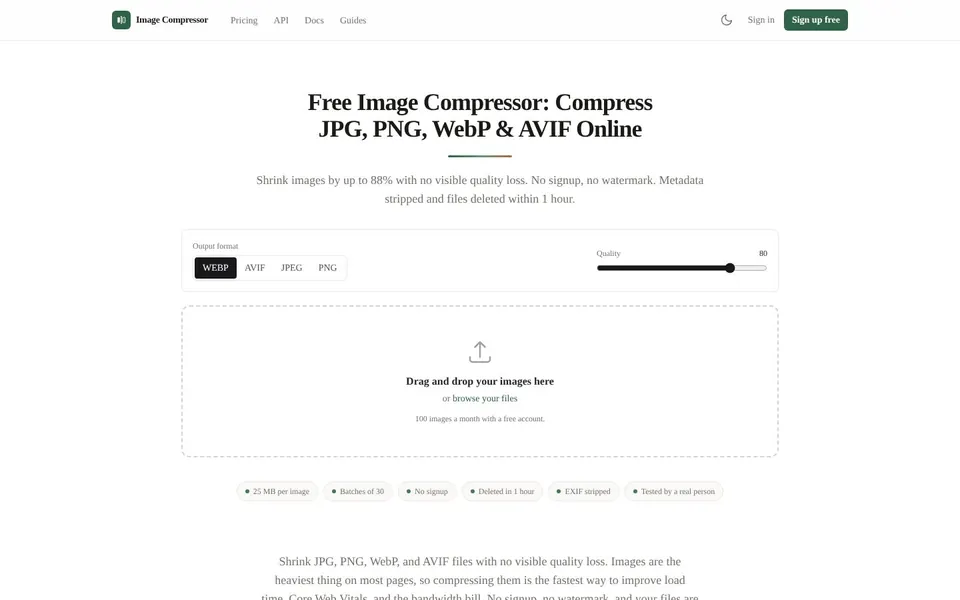
Shrink JPG, PNG, WebP and AVIF files with no visible quality loss. No signup, no watermark, files deleted after an hour.
Compress JPEG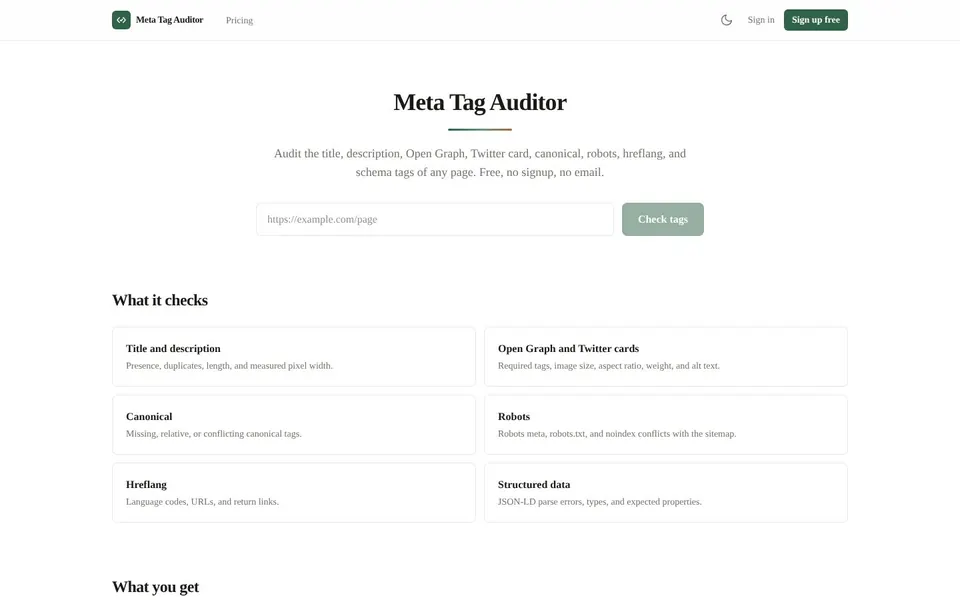
Check the title, description, Open Graph, Twitter cards, canonical, robots, hreflang and schema of any page.
Meta Tags for SEO
Upload a photo, get a transparent PNG in seconds. No signup, no watermark, files deleted automatically.
Make Background Transparent