A small photo for print
The file is too small for the size you want to print, so you enlarge it first.
Images Image Upscaler
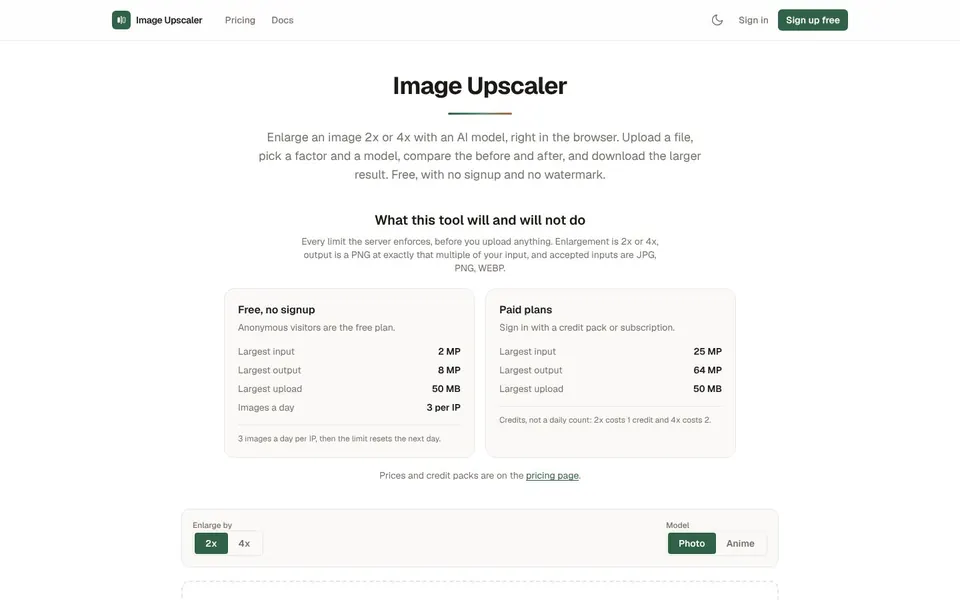
To increase image resolution, enlarge the picture 2x or 4x with an AI model and download the bigger file. Image Upscaler at imageupscaler.tools does this in your browser, free, with no signup and no watermark. The result is a PNG at exactly the multiple you chose.
To increase image resolution means to make an image larger in pixels, for example twice as wide and twice as tall. A normal resize just stretches the pixels you already have. Image Upscaler uses an AI model that fills in pixels the original never had.
That is why a big enlargement can look like a photograph instead of a soft blur. It is also where a model can guess wrong on a face or a small logo, so always check the result before you use it. The page itself says the only thing it promises about the pixels is the exact size of the result.
You upscale image quality when the pixels you have are fewer than the pixels the job asks for. Here are four common cases.
A small photo for print
The file is too small for the size you want to print, so you enlarge it first.
A low resolution product shot
A listing or banner needs a bigger version of an image you only have in a small size.
Anime or artwork
Anime style images can be enlarged with the Anime model instead of the Photo model.
A bigger screen or display
An image that looked fine small can look soft on a large display, so you make a larger copy.
To upscale an image free online, open Image Upscaler at imageupscaler.tools, upload the file and pick 2x or 4x, with no account needed. It takes three steps.
Open Image UpscalerOpen imageupscaler.tools and click Choose an image, or drop a file onto the page.
Use a JPG, PNG or WebP file, up to 50 MB.
Under Enlarge by, pick 2x or 4x.
Under Model, pick Photo or Anime.
Compare the original and the result with the before and after slider.
Download the enlarged PNG.
You cannot upscale an image to 8K on the free tier, because the limits are set in megapixels (MP). Here is what the live page states about limits and file types.
An 8K frame is about 33 MP (7680 by 4320 pixels), so it is above the free output cap of 8 MP and needs a paid plan, which allows output up to 64 MP. That is general arithmetic, not a promise of a specific result.
Animated files are refused rather than flattened to one frame. Uploads and results are stored privately and deleted 1 hour after the upscale.
You can upscale an image to 4K on a paid plan, and the free tier gets close. A 4K UHD frame (3840 by 2160) is about 8.3 MP, just over the free output cap of 8 MP.
With the free limits, a 2 MP input enlarged 4x gives 8 MP. Anything beyond that needs Pro or a credit pack.
Image Upscaler is a good fit as the best free image upscaler if you only need a few images, because it gives 3 images a day per IP with no signup and no watermark. Free input is capped at 2 MP and free output at 8 MP.
If you have many large images, the best free image upscaler is the one whose limits fit your files. Check the numbers above before you start, and read the pricing section if you outgrow the free allowance. The free allowance resets the next day.
Pricing to increase image resolution starts free, then Pro at $9 a month or credit packs from $4.99, as of November 2026. A 2x costs 1 credit and a 4x costs 2.
$0
3 upscales a day per IP, input up to 2 MP, output up to 8 MP, no signup and no watermark.
$9 / month
100 credits a month, input up to 25 MP, output up to 64 MP, and REST API access.
$4.99
One-time pack, valid for 1 year.
$9.99
One-time pack, valid for 1 year.
$24.99
One-time pack, valid for 1 year.
Pro has a flat monthly price with no per-image fees, and you can cancel any time from the dashboard. Prices are from the live Image Upscaler pricing page.
Short answers first, then the detail. More guides: make background transparent, compress JPEG, favicon size, or browse all free online tools.
Upload the image to Image Upscaler, choose 2x or 4x, and download the larger PNG. No signup is needed for the free tier.
The result is exactly that multiple in each dimension.
Pick a file, choose the factor and the Photo or Anime model, then compare and download. The tool accepts JPG, PNG and WebP.
Free use is 3 images a day per IP.
Run it through the upscaler at 2x or 4x, which adds pixels with an AI model. Make sure the file is within the free input cap of 2 MP, or use a paid plan for up to 25 MP.
The model invents the new detail, so check faces and small logos.
No enlargement is guaranteed lossless, because the new pixels are generated. What the page promises is an output of exactly 2x or 4x your input, with no watermark.
Compare the before and after slider and judge the result yourself.
If the picture just needs to be bigger, enlarge it with the upscaler and download the PNG. The tool changes the pixel size, and the live page makes no other promise about quality.
Choose the Photo model for photographs.
Open Image Upscaler, drop in a JPG, PNG or WebP, and enlarge it 2x or 4x. The free tier needs no account.
Related guides
These guides cover jobs that often come next. See every tool on the free online tools page.
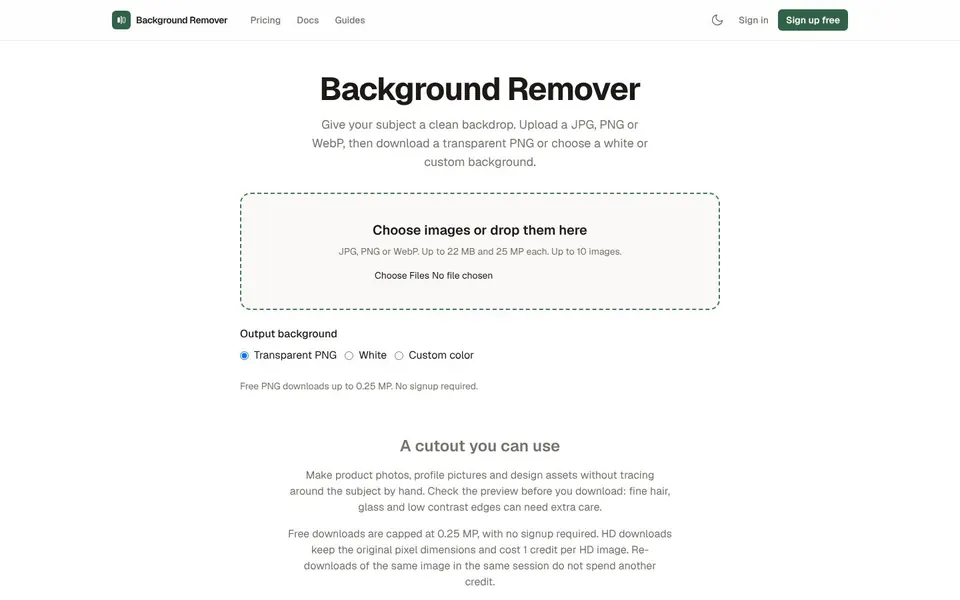
Upload a photo, get a transparent PNG in seconds. No signup, no watermark, files deleted automatically.
Make Background Transparent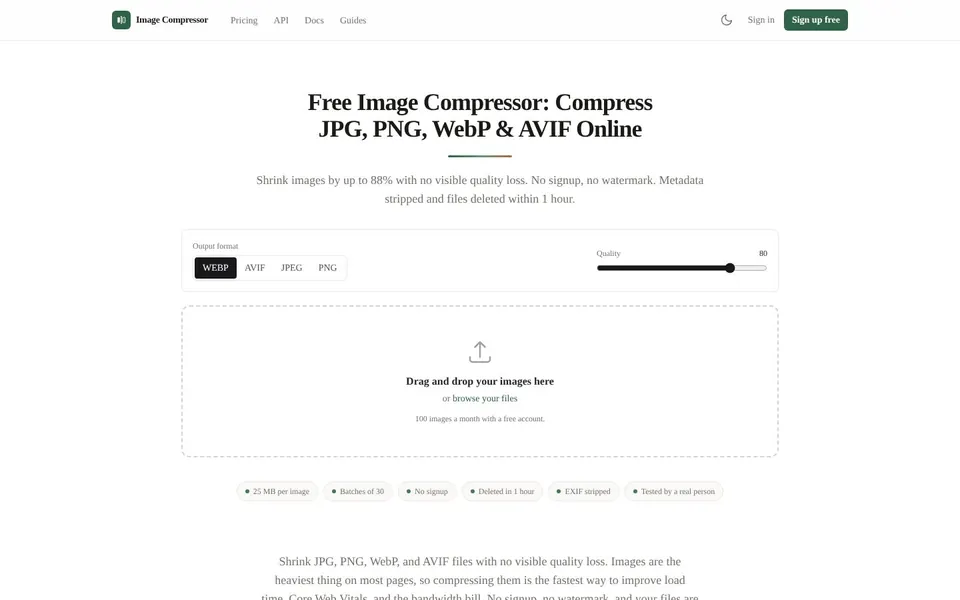
Shrink JPG, PNG, WebP and AVIF files with no visible quality loss. No signup, no watermark, files deleted after an hour.
Compress JPEG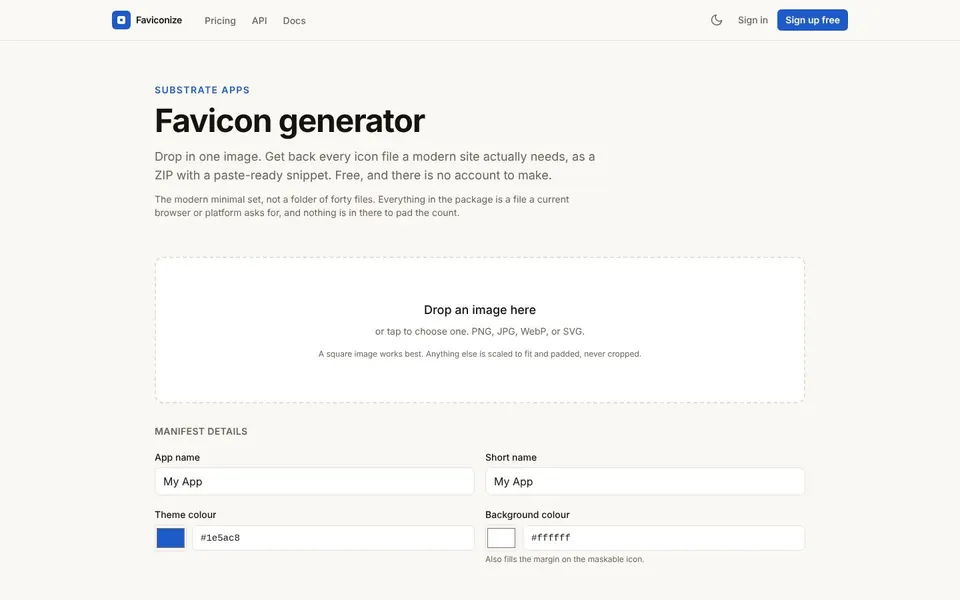
Drop in one image and get every icon file a modern site needs, as a ZIP with a paste-ready head snippet.
Favicon Size