A clip too big for Discord
The free lane has a Discord target of 20 MB.
Video Video Compressor
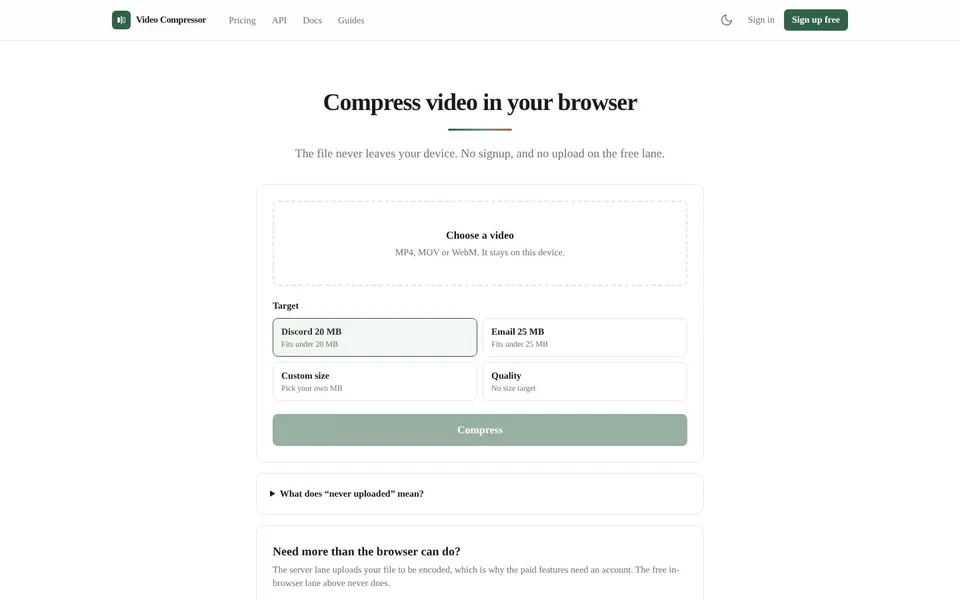
To compress video free online, open Video Compressor at videocompressor.tools, choose a clip and pick a size target. The free lane runs in your browser, so the file never leaves your device. There is no signup and no card.

To compress video free online means to make a video file smaller without paying for it. Video Compressor does this in your browser: it reads the file from your disk and re-encodes it with the browser's own video encoder.
The video is not sent to our servers or anyone else's. You can check it yourself by opening your browser's network tab, compressing a clip, and looking for any request that carries the video.
You reduce video size when a clip is too big for where it has to go. Here are four common cases.
A clip too big for Discord
The free lane has a Discord target of 20 MB.
A video too big for email
The free lane has an Email target of 25 MB.
A private video
Nothing is uploaded on the free lane, so the file stays on your device.
A custom size limit
Use Custom size to pick your own number of MB.
To compress a video with Video Compressor, choose a file at videocompressor.tools, pick a target size and download the smaller result.
Open Video CompressorOpen videocompressor.tools and click Choose a video. Use an MP4, MOV or WebM file.
Under Target, pick Discord 20 MB, Email 25 MB, Custom size, or Quality for no size target.
For Custom size, type your own number of MB.
Click Compress and wait while your browser encodes the clip.
Download the result, which is an MP4 or WebM file.
Check the size. With a size target, the result is checked to come in under it.
You cannot compress a 4 GB video online free, because the free browser lane stops at 2 GB. These are the limits the live pages state.
The 2 GB limit on the free lane depends on your browser's memory. Files up to 4 GB need a paid plan, through the server lane and the REST API.
HEVC (H.265) files can be read as input but are never produced. The server lane uploads your file to be encoded, and the free lane never does.
To compress a video for Discord, choose the Discord 20 MB target, and to compress a video for email choose the Email 25 MB target. The tool aims for that size, and the result is checked to come in under it.
If you want a different limit, use Custom size and type your own number of MB, which also covers a job like compress video to 25mb.
You can compress video free online with the browser lane, but hitting a size to the megabyte is described on the live page as a paid-plan feature. The page lists Standard at $9 a month and Heavy at $19 a month for it.
The live page does not fully explain how the free size targets and the paid exact target size mode differ. If a precise number matters, check the pricing page.
Pricing to compress video is free on the in-browser lane, and the server lane costs $9 a month on Standard or $19 a month on Heavy, as of November 2026.
$0
Unlimited in-browser compression, your file never leaves your device, no account needed.
$9 / month
4 GB files, 300 encode minutes a month, batches of 10, exact target size mode, REST API access.
$19 / month
4 GB files, 1,000 encode minutes a month, batches of 10, priority queue, AV1 output, REST API access.
Server lane jobs bill encode minutes, which is the length of your input video rounded up to whole minutes with a minimum of one. Allowances reset each UTC calendar month and do not roll over, and you can cancel any time. Prices are from the live Video Compressor pricing page.
Short answers first, then the detail. More guides: compress JPEG, increase image resolution, or browse all free online tools.
Choose the video at videocompressor.tools, pick a target such as Discord 20 MB or Email 25 MB, and click Compress. The free lane works in your browser.
The result downloads as an MP4 or WebM.
The live pages do not say whether Video Compressor works in mobile Safari, so try it on your phone. A clip recorded on an iPhone is typically a MOV file, and MOV is on the accepted list. The browser lane depends on your browser's video encoder and memory.
If a clip is too large for the browser lane, the paid server lane is used through the REST API.
Pick the Email 25 MB target. The tool aims for under 25 MB, and the result is checked to come in under it.
Nothing is uploaded on the free lane.
Choose a size target or a quality setting and click Compress. A smaller target gives a smaller file.
Custom size lets you type your own number of MB.
Compressing a video always means re-encoding it, so some loss is possible, and the live page does not promise otherwise. Set Quality with no size target if you do not want to force a specific size.
Watch the result before you send it or post it anywhere.
Open Video Compressor, choose an MP4, MOV or WebM and compress it in your browser. The free lane never uploads your video.
Related guides
These guides cover jobs that often come next. See every tool on the free online tools page.
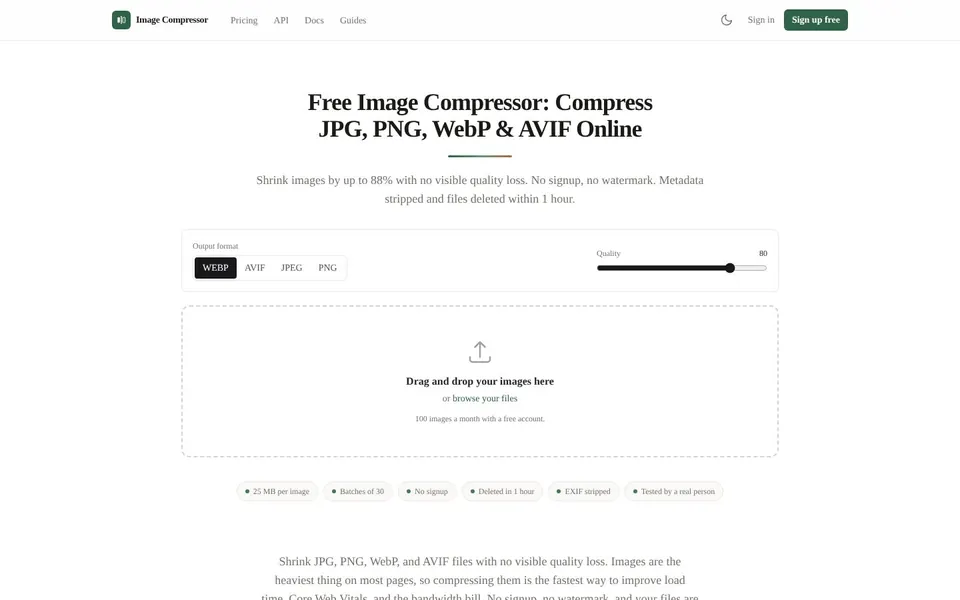
Shrink JPG, PNG, WebP and AVIF files with no visible quality loss. No signup, no watermark, files deleted after an hour.
Compress JPEG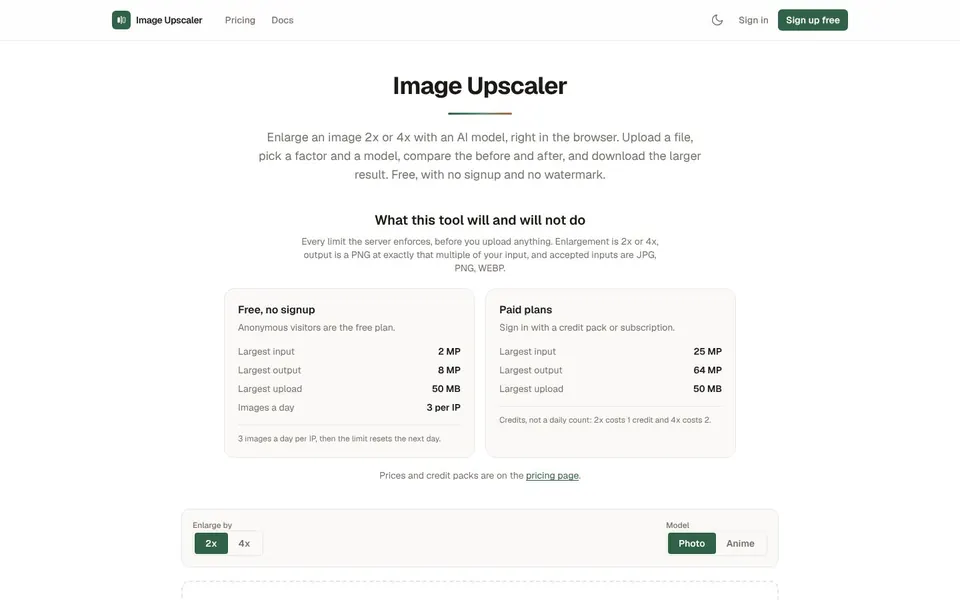
Enlarge JPG, PNG and WebP images 2x or 4x with an AI model. Free daily upscales, credit packs when you need more.
Increase Image Resolution